
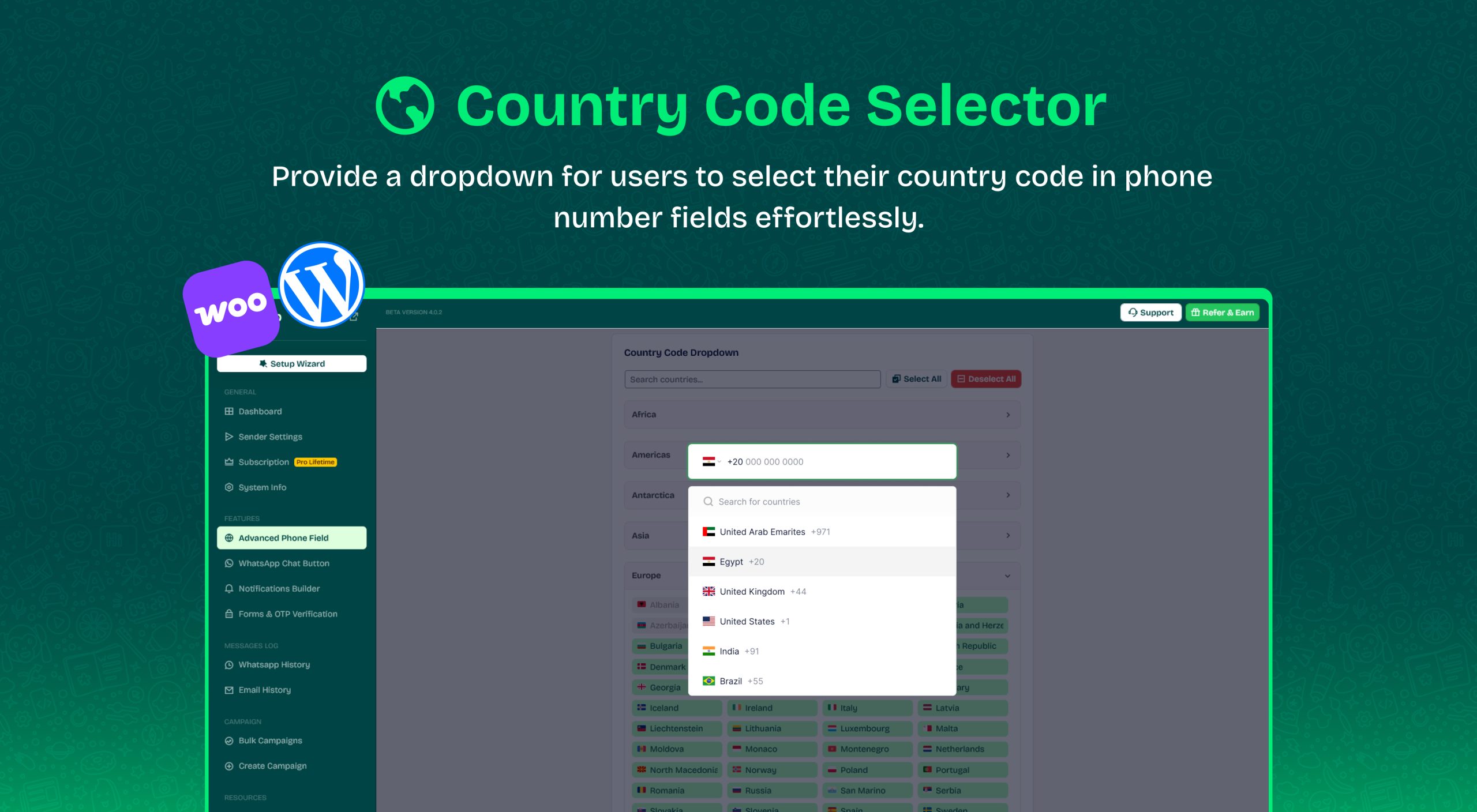
Default Country
By default, the Advanced Phone Field automatically detects the user’s country using GeoIP location.
To set a specific default country instead:
- Select the “Default country code”.
- Disable “IP Detection”.
Limit Countries
By default, all countries are included, but you can restrict the available options:
- Click “Select All” to enable a dropdown list of all countries.
- Click “Deselect All” to disable the feature.
- Click on a country name to remove it from the dropdown list.
Where does this Wawp Country code settings affect
This setting affects the phone number field of the WooCommerce checkout page and also affects the phone number field of the login and registration form.
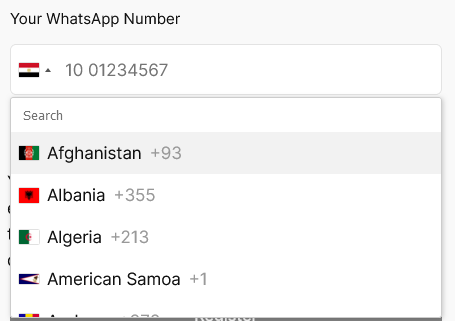
If the user’s country is activated in the settings, it will be automatically discovered by the IP in the same session, and the corresponding country code will be determined to start receiving the number, correct it, and complete the Wawp task.
If the user’s country is not activated, the country will be retrieved from the Default country code setting