
 Fastest Way to Add AI Responses to WhatsApp
Best WhatsApp Node for N8N
Create your virtual AI assistant equipped to reply to and assist your customers seamlessly through various N8N integrations.
Trusted by thousands of developers worldwide.
Already trusted by 10,000+ customers worldwide
How to Install Wawp Node in N8N
Quick step-by-step guide to installing the community node from NPM
Navigate to Settings
From your n8n dashboard, navigate to Settings in the bottom-left corner.
Community Nodes
Click on Community nodes.
Start Installation
Click the Install button.
Enter Package Name
In the npm Package Name field, enter: @wawp/n8n-nodes-wawp
Confirm Install
Click the Install button again to finalize.
N8N COMMUNITY NODE@wawp/n8n-nodes-wawp
Official N8N Community Node for seamless WhatsApp automation & AI agents.
@wawp/n8n-nodes-wawpPopular N8N + WhatsApp Use Cases
Automate WhatsApp messaging from any tool, database, or trigger inside N8N.
AI Agent WhatsApp Replies
Chain Wawp with OpenAI or Claude nodes to build AI-powered WhatsApp chatbots that respond to customer messages intelligently.
E-commerce Order Notifications
Trigger WhatsApp order confirmations, shipping updates, and delivery alerts automatically from WooCommerce, Shopify, or any N8N-connected store.
Lead Nurturing & CRM Sync
Send personalized WhatsApp follow-ups when a new lead is added to your CRM (HubSpot, Notion, Airtable) via N8N.
Scheduled Reminders & Alerts
Use N8N's Schedule trigger to send daily WhatsApp reports, payment reminders, or appointment notifications automatically.
Form & Survey Responses
When a Typeform, Jotform, or Google Form is submitted, instantly send a WhatsApp confirmation or alert via Wawp API.
Internal Team Notifications
Route critical alerts (server down, payment failed, new order) to your team's WhatsApp group directly from N8N.
N8N Integration & WhatsApp Automation Guides
Explore step-by-step masterclasses and documentation on setting up Wawp's official N8N node and automating WhatsApp workflows.
How to Send WhatsApp Messages & Actions with Wawp and n8n
Master sending WhatsApp messages and controlling your account directly via custom node automation workflows.
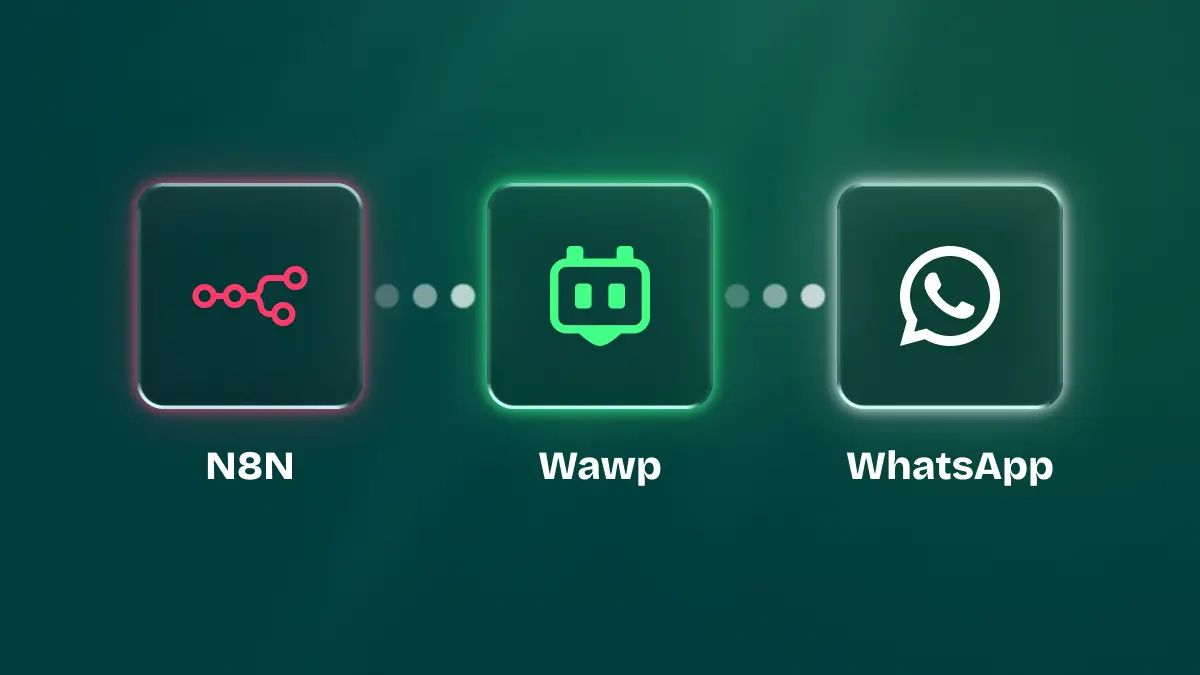
Automate WhatsApp with Wawp & n8n
Transform your business communication by learning how to set up powerful Wawp n8n WhatsApp automation workflows for everything from customer support to marketing campaigns.
How to Send and Receive WhatsApp Messages for Free on n8n
Learn step-by-step how to automate WhatsApp for free using n8n and Wawp. Send & receive messages, media, and build an interactive bot without coding.
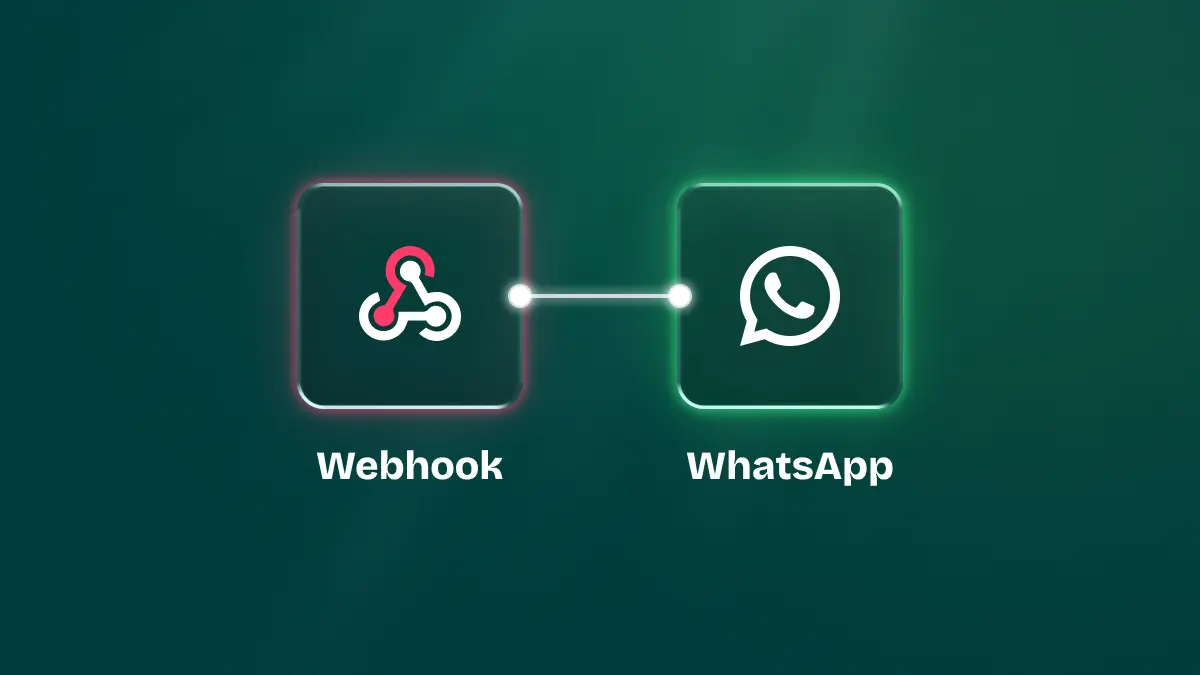
How to Receive WhatsApp Events with Wawp on n8n
Learn how to receive WhatsApp events with Wawp on n8n using webhooks. Set up the Wawp trigger node, capture JSON payloads, and build responsive automations.
How to install Wawp on N8N
Complete walkthrough to install Wawp node from npm and hook up instance credentials within your n8n instance.